
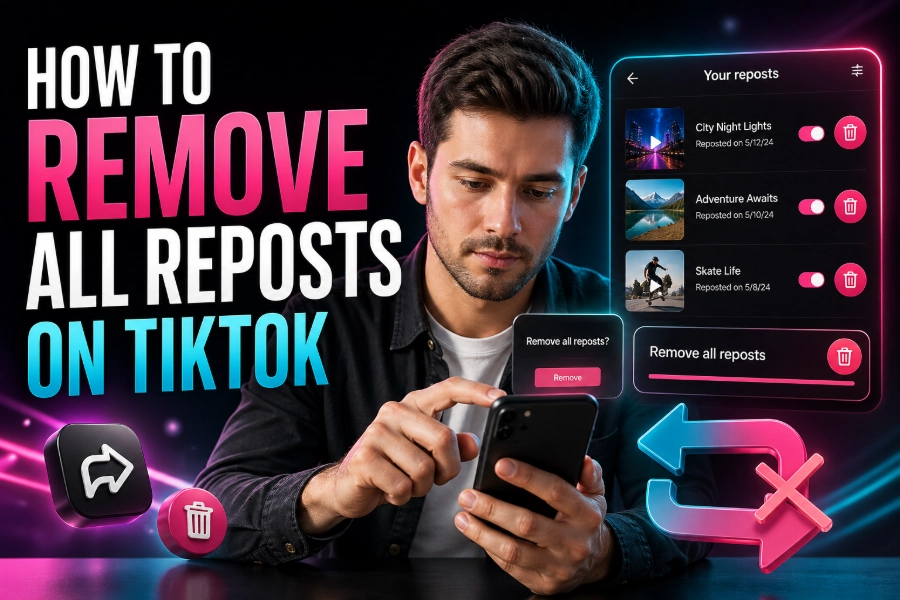
TikTok’s feed can often become cluttered with reposted videos, which can diminish the user experience. If you’re wondering how to remove all reposts on TikTok, you’re not alone. Many users find their feeds flooded with repeated content that they’ve already seen.
Fortunately, there are methods to streamline your feed, and in this guide, we’ll explore how you can eliminate reposted content from your TikTok experience.
The Importance of Removing Reposts on TikTok
The TikTok algorithm is designed to deliver content based on your interests, but it doesn’t always prioritize originality. As a result, you might find yourself scrolling through countless reposted videos that dilute the freshness of your feed.
By removing reposts on TikTok, you can enhance your viewing experience and engage with more unique, personalized content. This is especially important for users who follow many creators or explore multiple trends.
Tools for Removing Reposts: Enhance Your TikTok Experience
A great way to remove reposts on TikTok is by using tools like the pro TikTok Viewer. This tool can help filter out reposted content, keeping your feed fresh. With the ability to view unique TikTok accounts and remove duplicate videos, it ensures you’re always viewing the content that matters most to you. By simply integrating this tool into your browsing experience, you can keep your TikTok feed uncluttered and focused on what truly interests you.
Manual Steps to Filter Out Reposted Videos
While tools can help, you can also use manual methods to remove reposts on TikTok. One way is by curating your “For You” page to reflect your genuine preferences. Here’s how you can do it:
- Unfollow Accounts: Start by unfollowing accounts that consistently repost the same content. Reposts can often come from a few select users, and removing them from your feed will stop repetitive content from flooding your timeline.
- Interact with Unique Content: TikTok’s algorithm learns from your behavior. By engaging with original posts—liking, commenting, or sharing—you signal to TikTok that you prefer fresh content, which helps the platform serve more of it.
- Use the “Not Interested” Feature: If a reposted video appears on your feed, you can click on the three dots and select “Not Interested.” Over time, this will help TikTok filter out duplicate videos.
Why Use a TikTok Viewer to Streamline Your Feed
If you want to take it a step further, using a TikTok URL Viewer is an effective way to manage the type of content you encounter. This tool lets you view TikTok videos directly via URLs, bypassing unnecessary reposts in your general feed. By removing duplicates at the source, you ensure you see only unique content.
Dealing with Content From Reposting Accounts
Sometimes, you may find that an account you follow reposts many videos. While you may enjoy their content overall, repeated videos can be frustrating.
In this case, using tools like the TikTok Following List Viewer can help you see which creators are more likely to repost and which ones are posting original material. This way, you can decide whether to keep following these accounts or move on to newer, fresher creators.
Conclusion
Removing reposts on TikTok is essential to curating an engaging, personalized experience on the app. By using tools like the TikTok Data Viewer and following the manual steps we’ve discussed, you’ll be able to take control of your feed. Whether it’s through blocking repeated content or using third-party tools, the power is in your hands to make your TikTok experience truly unique.
With these strategies, you’ll never have to worry about seeing the same video repeatedly. Take control of your feed and enjoy only the freshest, most relevant content.
FAQs
How to remove all reposts on TikTok quickly?
To remove all reposts on TikTok, you can manually undo reposts by visiting each video and tapping “Remove repost.” TikTok currently does not offer a one-click bulk removal feature, so you must go through your activity history or reposted videos individually for complete cleanup.
Can you delete all reposts on TikTok at once?
TikTok does not provide a built-in option to delete all reposts at once. You need to remove each repost manually by accessing the reposted video and selecting the “Remove repost” option, making the process time-consuming if you have many reposted videos.
Where can I find my reposted videos on TikTok?
You can find your reposted videos by visiting your profile and checking your activity or repost section. Alternatively, scroll through your “For You” page and identify reposted videos marked with your username, then remove them individually using the available option.
Why do reposted videos keep appearing on TikTok?
Reposted videos appear frequently because TikTok’s algorithm promotes trending and engaging content across multiple users. When several users repost the same video, it increases visibility, causing repeated appearances in your feed unless you actively mark them as “Not Interested.”
Does removing reposts improve my TikTok feed?
Yes, removing reposts can improve your TikTok experience by reducing repetitive content. When you remove reposts and engage more with original videos, the algorithm adapts to your preferences and begins prioritizing fresh, unique content tailored to your interests.
Is there an app to remove all reposts on TikTok?
Some browser extensions and tools claim to help filter or hide reposted content, but TikTok does not officially support third-party apps for bulk removal. Always be cautious when using external tools to protect your account privacy and avoid violating TikTok policies.
How long does it take to remove reposts on TikTok?
The time required depends on how many reposts you have. Removing a few reposts takes minutes, but if you have dozens or hundreds, it can take significantly longer since each repost must be removed manually one at a time.
Will removing reposts affect my followers?
Removing reposts will not negatively affect your followers. It only removes shared content from your activity and does not impact your original posts, followers count, or engagement levels, allowing you to maintain a clean and personalized profile.
Can I stop seeing reposted videos on my For You page?
Yes, you can reduce reposted videos by tapping “Not Interested” on duplicate content and engaging more with original posts. Over time, TikTok’s algorithm learns your preferences and limits the number of reposted videos shown in your feed.
What is the difference between reposting and sharing on TikTok?
Reposting on TikTok shares a video directly to your followers’ feeds with your profile attached, while sharing sends the video privately through messages or external platforms. Removing reposts only affects publicly shared reposted videos, not privately shared content.
Does TikTok notify users when you remove reposts?
No, TikTok does not notify users when you remove a repost. The action is private and only affects your account, ensuring you can clean up your repost activity without alerting the original content creator or your followers.
Can reposts be automatically hidden on TikTok?
TikTok does not currently offer an automatic feature to hide all reposts. However, consistent use of the “Not Interested” option and selective engagement helps train the algorithm to show fewer reposted videos over time.
Why should I remove reposts on TikTok?
Removing reposts helps maintain a cleaner profile and improves your viewing experience. It ensures your feed highlights original content, reduces clutter, and allows TikTok’s algorithm to better understand your preferences for more relevant recommendations.
Are reposted videos bad for engagement on TikTok?
Reposted videos are not necessarily bad, but they can reduce originality in your content strategy. If overused, reposts may lead to lower engagement compared to unique posts, as audiences often prefer fresh, creative content from creators.
How to avoid reposting duplicate videos on TikTok?
To avoid reposting duplicates, review videos carefully before reposting and track content you’ve already shared. You can also focus on engaging with original creators and saving videos privately instead of reposting them publicly to prevent repetition on your profile.